
Interface motion / CSS
Staggered menu
A compact navigation panel reveals its items in a short cascade.
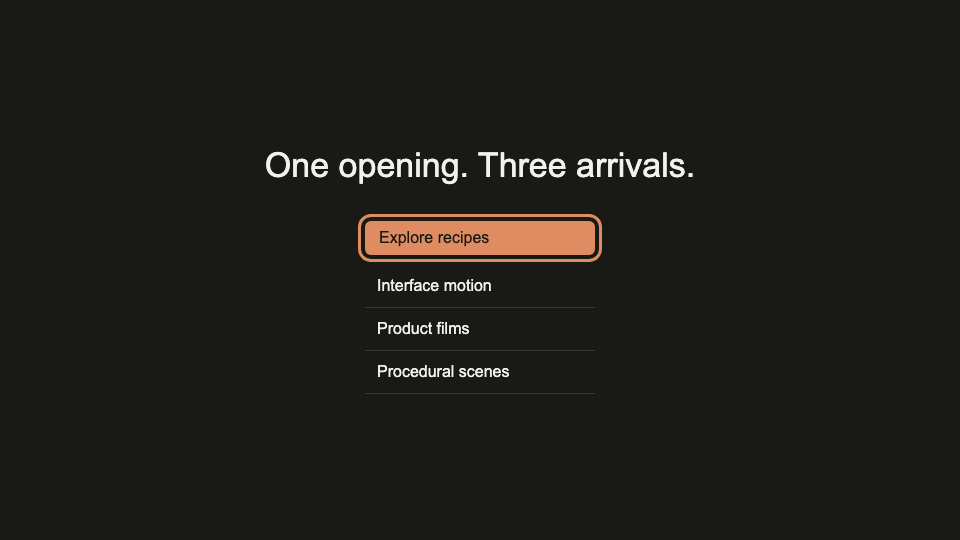
DKC reference implementation; not an original creator video. You can play, pause, and inspect time in the reference.
Make it fit your project.
Open an accessible navigation disclosure. Reveal items using opacity and a 10px vertical translation, with 35ms between items and a total sequence under 350ms. Reverse the group as one unit on close; restore focus to the trigger.
Build and check.
- Confirm the supplied content, target environment, and required assets before implementing.
- Open an accessible navigation disclosure. Reveal items using opacity and a 10px vertical translation, with 35ms between items and a total sequence under 350ms. Reverse the group as one unit on close; restore focus to the trigger.
- Implement idle, active, keyboard, touch, reduced-motion, and failure states as relevant.
- Inspect the opening, midpoint, and final state at desktop and mobile sizes; report any dependency or output limitation.
Know the limits.
- Hidden links must not remain in the tab order. Do not stagger keyboard focus.
- The prompt guides a coding agent; output quality depends on its implementation and review.
Want us to build it?
Send an optional project brief. We’ll receive your contact details, project description, and this recipe’s ID.
Catalog 2026-10-22.a82e12098f76 · Source revision sha256:dfbe6519cbc4fc84acc4cbf926d8a01c7f2e248dd46cedd67a9112b0e928c2ba